Configuration Cura 4.4.1

2019-12-30 23_21_27-Clipboard

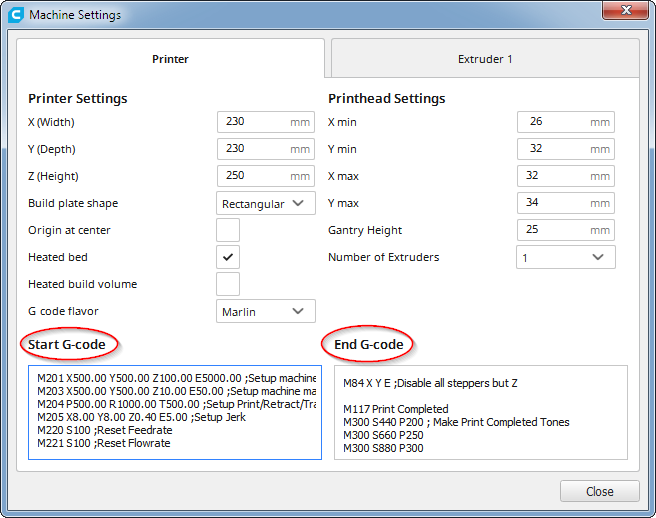
Les codes de début et de fin à utiliser dans les paramètres de Cura

(Note : Obtenir Cura 4.4.1 : Ultimaker Cura download


Gcode Start 


M201 X500.00 Y500.00 Z100.00 E5000.00 ;Setup machine max acceleration
M203 X500.00 Y500.00 Z10.00 E50.00 ;Setup machine max feedrate
M204 P500.00 R1000.00 T500.00 ;Setup Print/Retract/Travel acceleration
M205 X8.00 Y8.00 Z0.40 E5.00 ;Setup Jerk
M220 S100 ;Reset Feedrate
M221 S100 ;Reset Flowrate
M140 S{material_bed_temperature} ; start preheating the bed
M104 S{material_print_temperature} ?T0 ; start preheating hotend

G28 ; home
M190 S{material_bed_temperature} ; heat to bed setting in Cura and WAIT
M109 S{material_print_temperature} ?T0 ; heat hotend to setting in Cura and WAIT

;G29 ;Bed Leveling : n’utiliser que si vous avez un BLTouch (enlever le ; en début de ligne)
M500 ;Store values

M300 S1000 P500 ; chirp to indicate starting to print

G92 E0 ;Reset Extruder
G1 Z2.0 F3000 ;Move Z Axis up
G1 X10.1 Y20 Z0.28 F5000.0 ;Move to start position
G1 X10.1 Y200.0 Z0.28 F1500.0 E15 ;Draw the first line
G1 X10.4 Y200.0 Z0.28 F5000.0 ;Move to side a little
G1 X10.4 Y20 Z0.28 F1500.0 E30 ;Draw the second line

G92 E0 ;Reset Extruder
G1 Z2.0 F3000 ;Move Z Axis up


Gcode End


G91 ;Relative positionning
G1 E-2 F2700 ;Retract a bit
G1 E-2 Z0.2 F2400 ;Retract and raise Z
G1 X5 Y5 F3000 ;Wipe out
G1 Z10 ;Raise Z more
G90 ;Absolute positionning

G1 X0 Y{machine_depth} ;Present print
M106 S0 ;Turn-off fan
M104 S0 ;Turn-off hotend
M140 S0 ;Turn-off bed

M84 X Y E ;Disable all steppers but Z
M117 Print Completed
M300 S440 P200 ; Make Print Completed Tones
M300 S660 P250
M300 S880 P300


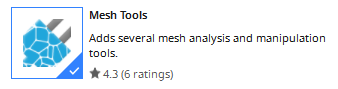
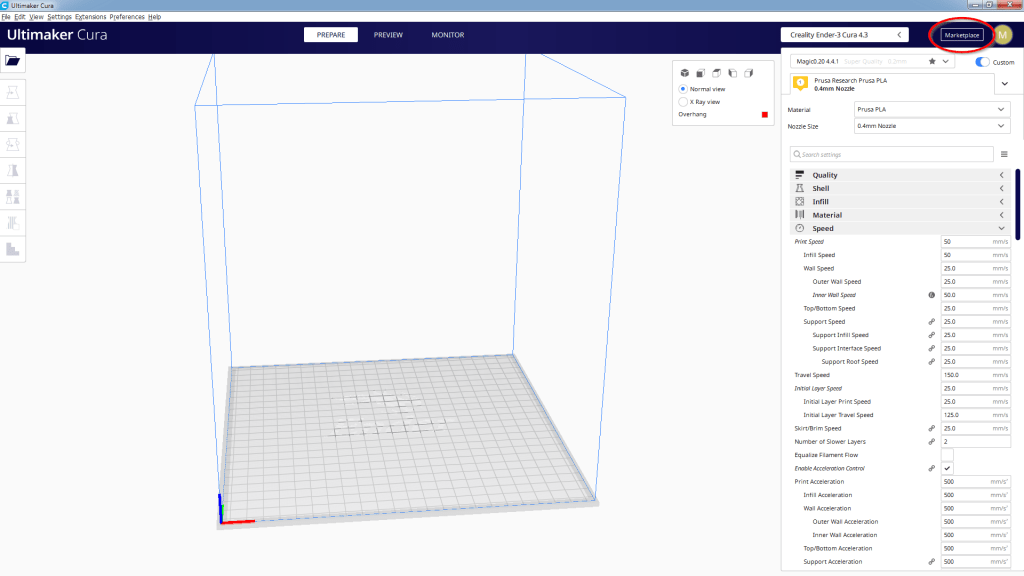
Plugins utiles à obtenir via le bouton Marketplace
2019-12-30 23_23_24-Clipboard
2019-12-30-23_25_37-marketplace.png
2019-12-30 23_26_09-Marketplace
2019-12-30 23_26_15-Marketplace
2019-12-30 23_26_25-Marketplace
2019-12-30 23_26_31-Marketplace
2019-12-30 23_26_38-Marketplace
2019-12-30 23_26_51-Marketplace

Fonctions utiles de Cura via les extensions:
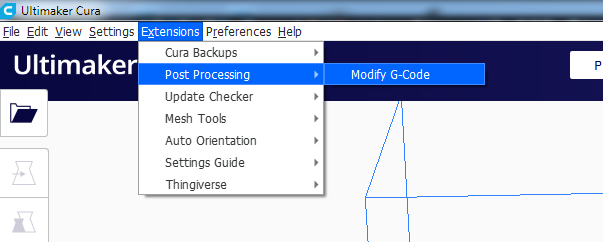
2019-12-30 23_31_49-Ultimaker Cura
  • Indication du temps d’impression restant sur l’écran LCD
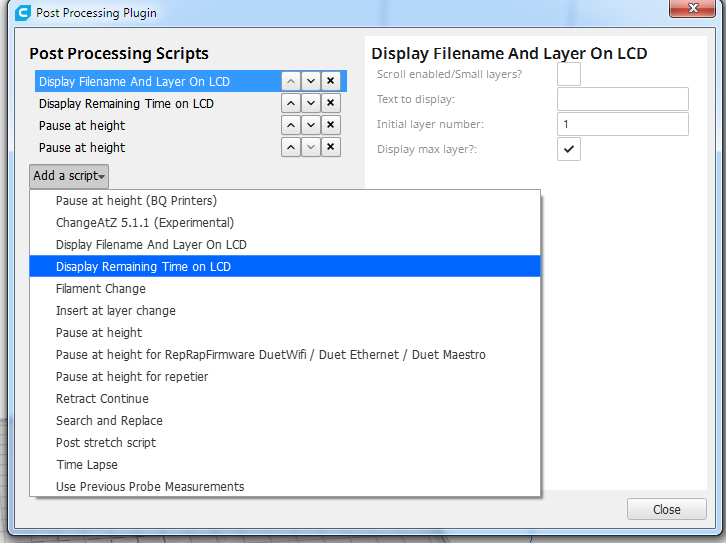
2019-12-30 23_32_31-Ultimaker Cura
Temps d’impression
2019-12-30 23_32_49-Ultimaker Cura
Activer la fonction
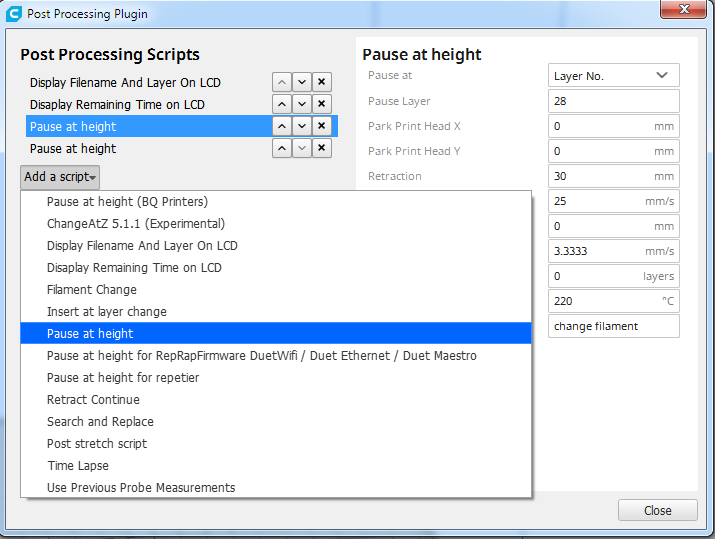
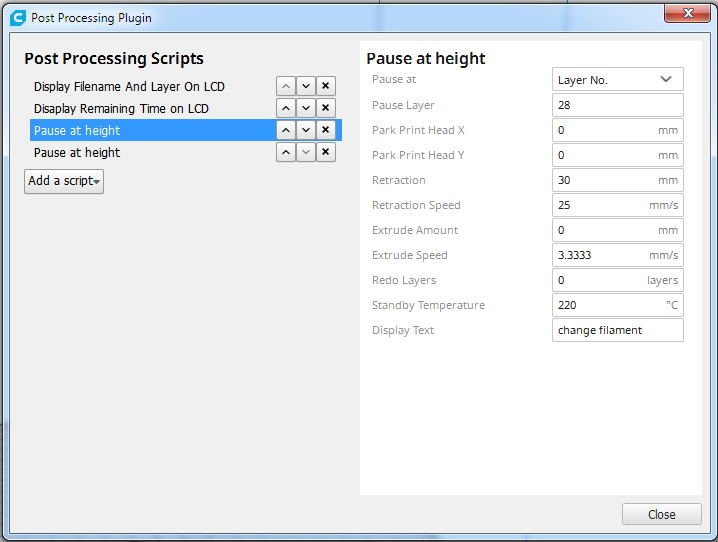
  • Pause lors de l’impression avec déplacement de la tête d’impression à l’origine pour changer de filament, ceci permet une impression en plusieurs couleurs par couches

  • 2019-12-30 23_33_02-Ultimaker Cura
    Fonction pause à hauteur
    2019-12-30 23_33_09-Ultimaker Cura
    Paramètres

    Impression 3D sur Ender 3 Pro

    Voici quelques informations utiles que j’ai obtenues au cours de l’usage de cette imprimante.

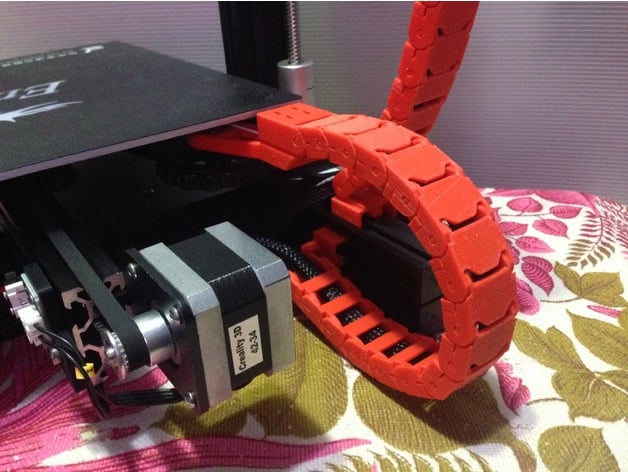
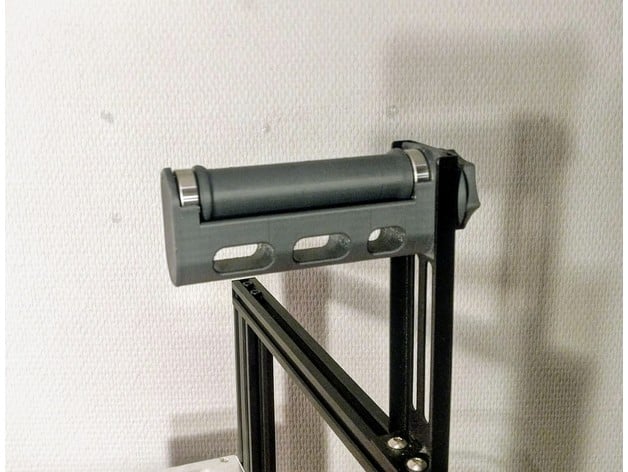
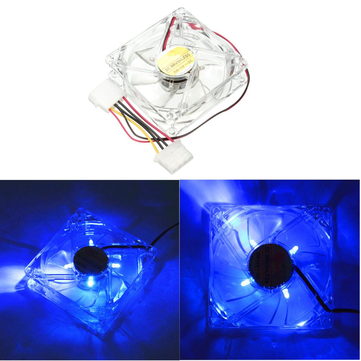
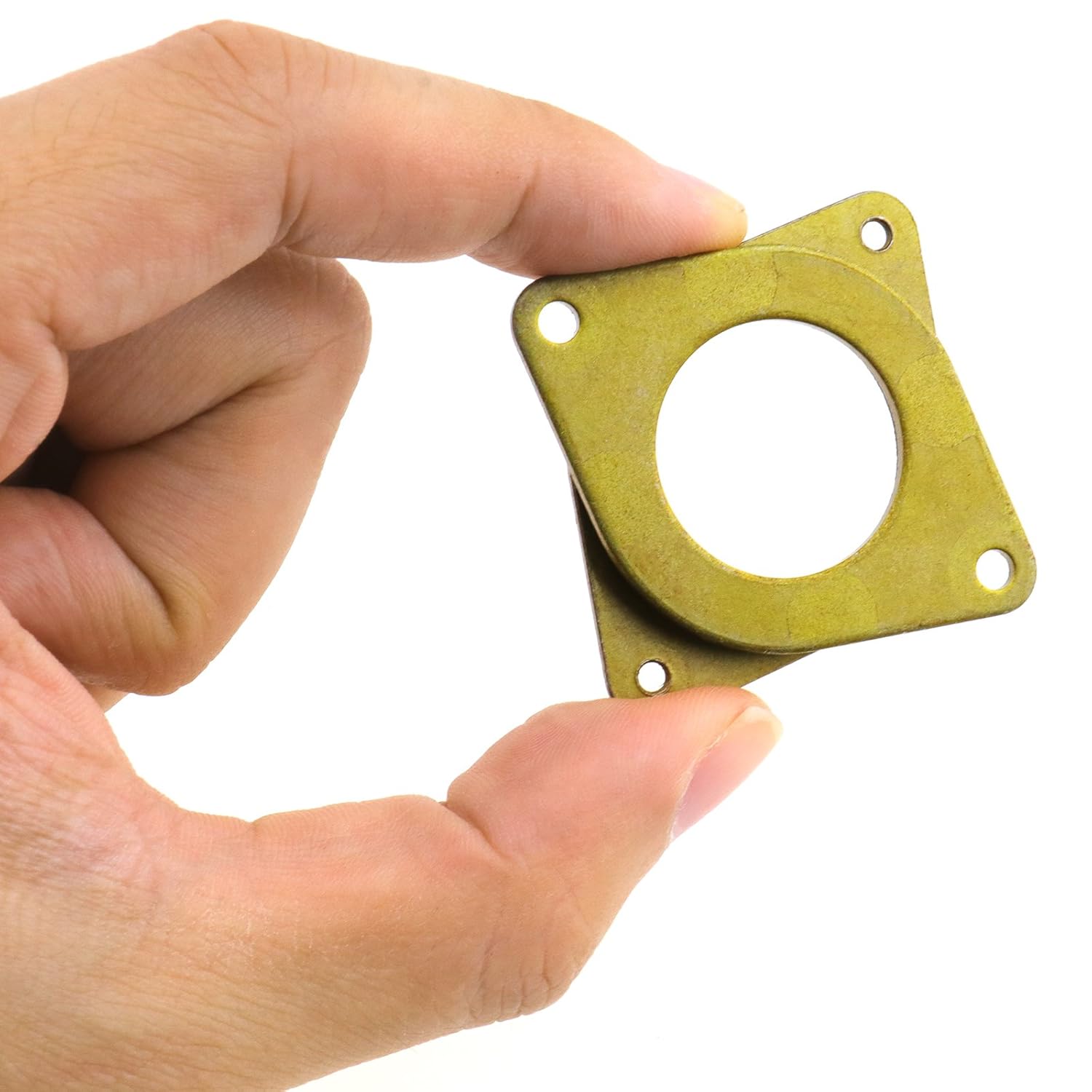
    Modifications recommandées :


    Par ailleurs il y a quelques utilisateurs expérimentés qui partagent des infos très utiles notamment pour le paramétrage des slicers et Cura en particulier.

    Je recommande vivement la chaine de CHEP : CHEP Filament Friday
    N’hésitez pas à utiliser les profils pour Cura 4.4.1 qu’il a mis au point ils vous faciliteront la configuration de Cura profils d’impression pour Cura 4.4.1

    Ainsi que son cube de calibration pour valider vos paramètres CHEP Calibration Cube


    Mon gcode de démarrage et de fin :

    Gcode Start 

    M201 X500.00 Y500.00 Z100.00 E5000.00 ;Setup machine max acceleration
    M203 X500.00 Y500.00 Z10.00 E50.00 ;Setup machine max feedrate
    M204 P500.00 R1000.00 T500.00 ;Setup Print/Retract/Travel acceleration
    M205 X8.00 Y8.00 Z0.40 E5.00 ;Setup Jerk
    M220 S100 ;Reset Feedrate
    M221 S100 ;Reset Flowrate
    M140 S{material_bed_temperature} ; start preheating the bed
    M104 S{material_print_temperature} ?T0 ; start preheating hotend

    G28 ; home
    M190 S{material_bed_temperature} ; heat to bed setting in Cura and WAIT
    M109 S{material_print_temperature} ?T0 ; heat hotend to setting in Cura and WAIT

    ;G29 ;Bed Leveling : n’utiliser que si vous avez un BLTouch (enlever le ; en début de ligne)
    M500 ;Store values

    M300 S1000 P500 ; chirp to indicate starting to print

    G92 E0 ;Reset Extruder
    G1 Z2.0 F3000 ;Move Z Axis up
    G1 X10.1 Y20 Z0.28 F5000.0 ;Move to start position
    G1 X10.1 Y200.0 Z0.28 F1500.0 E15 ;Draw the first line
    G1 X10.4 Y200.0 Z0.28 F5000.0 ;Move to side a little
    G1 X10.4 Y20 Z0.28 F1500.0 E30 ;Draw the second line

    G92 E0 ;Reset Extruder
    G1 Z2.0 F3000 ;Move Z Axis up


    Gcode End

    G91 ;Relative positionning
    G1 E-2 F2700 ;Retract a bit
    G1 E-2 Z0.2 F2400 ;Retract and raise Z
    G1 X5 Y5 F3000 ;Wipe out
    G1 Z10 ;Raise Z more
    G90 ;Absolute positionning

    G1 X0 Y{machine_depth} ;Present print
    M106 S0 ;Turn-off fan
    M104 S0 ;Turn-off hotend
    M140 S0 ;Turn-off bed

    M84 X Y E ;Disable all steppers but Z
    M117 Print Completed
    M300 S440 P200 ; Make Print Completed Tones
    M300 S660 P250
    M300 S880 P300